
Copyright 2026 © swekartor. All Rights Reserved.



Information about Phone by Google
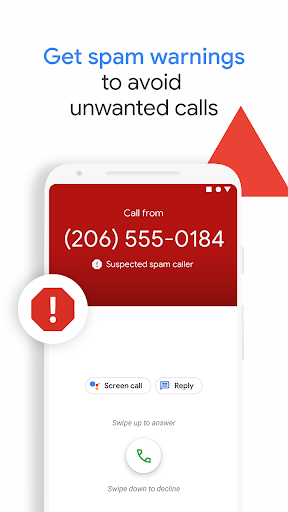
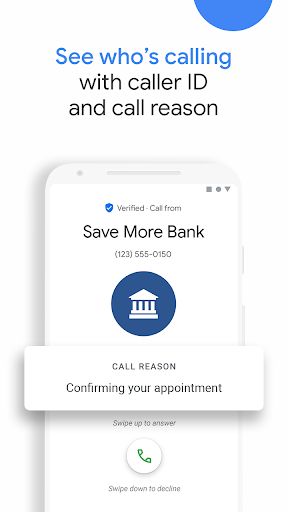
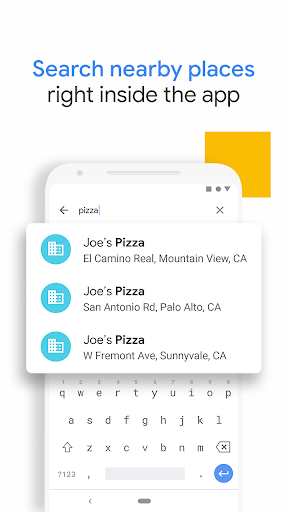
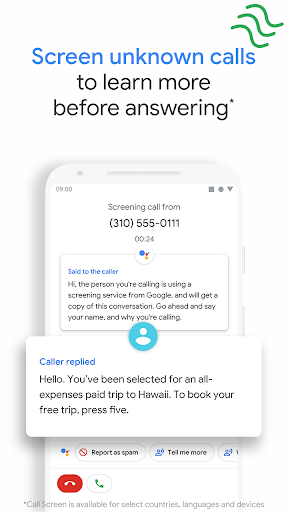
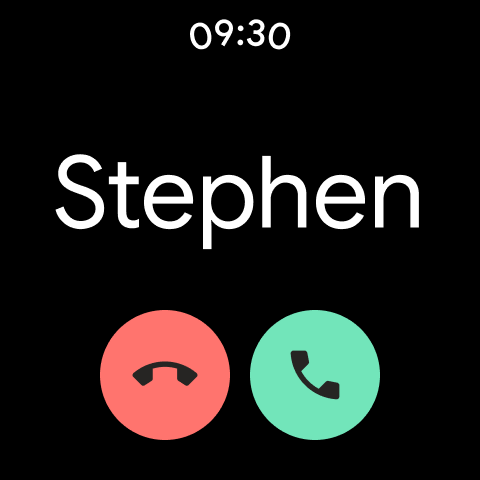
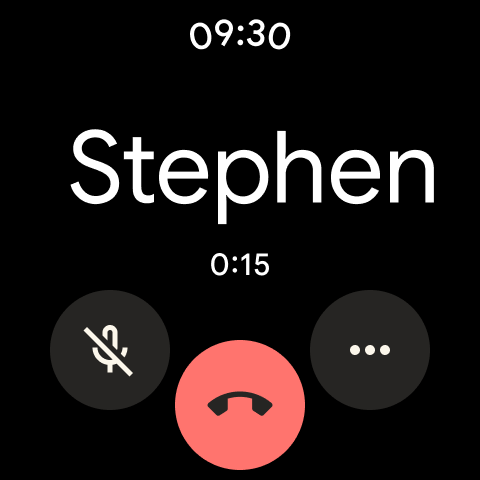
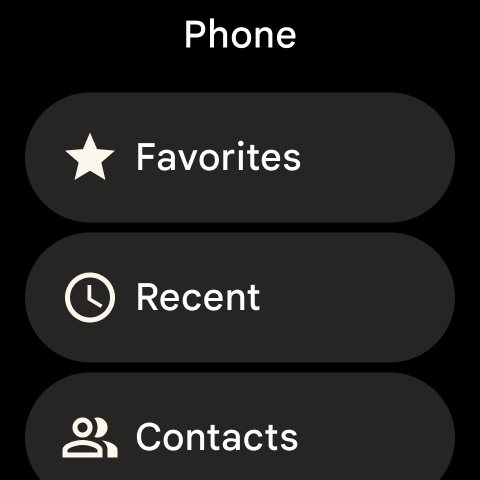
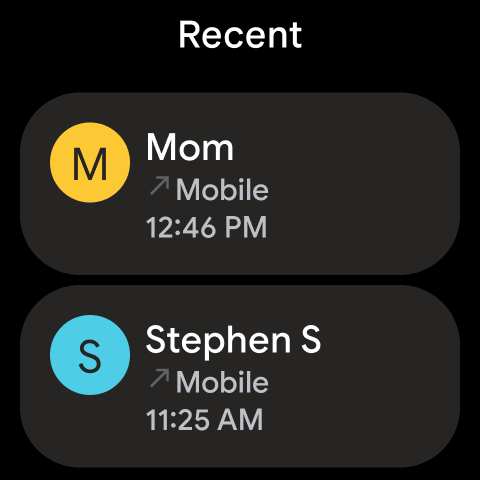
App Feature
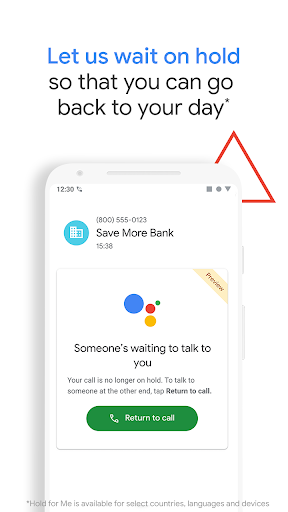
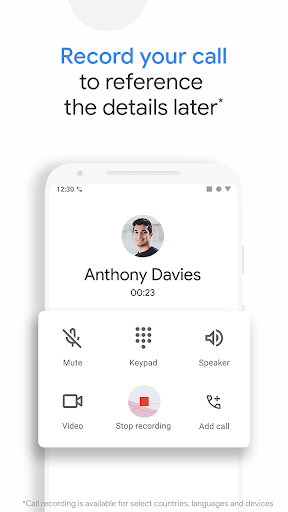
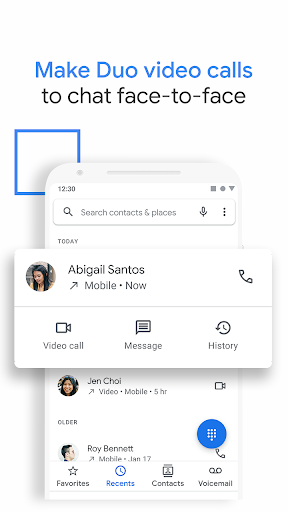
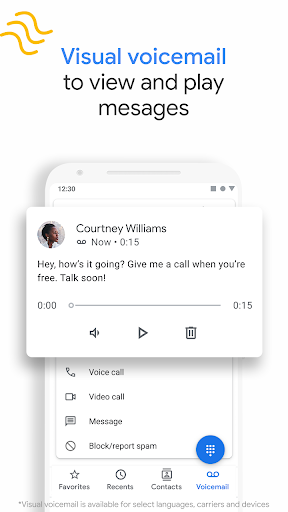
Google’s official dialer focuses on reliable calling with industry-leading spam protection, caller ID, Call Screen, Hold for Me, visual voicemail, and optional call recording (device/region-dependent). It integrates with Google services (Contacts, Duo/Meet), supports dark mode and Wear OS, and emphasizes a clean, intuitive UI.
Verdict
Verdict: A polished, smart dialer that excels at spam control and convenience, but some marquee features depend on device, carrier, and region.
Who is it for
Best for:
- Users who want strong spam filtering, caller ID, and screening.
- Pixel and stock Android users seeking deep Google integration.
- People who value accessibility features like transcripts and on-hold assistance.
Not ideal for:
- Users needing uniform features across all regions/carriers (e.g., Call Screen, recording, transcription).
- Those who prefer heavy customization or advanced power-user dialer tweaks.
- People reliant on carrier-specific visual voicemail features.
Real-world User Experience
Users like it:
Smooth, intuitive design; outstanding spam filtering and caller identification; Call Screen reduces stress with unknown callers and aids accessibility; Hold for Me and direct-your-call save time; visual voicemail or “Take a message” works well for many; issues like contact syncing sometimes resolve after resets; overall stable performance on Pixels.
Users complain about:
Occasional Wi‑Fi calling problems (audio breakup, needing toggles); feature availability gaps by device/region/language; sporadic bugs like missing incoming-call UI or contacts not showing until reboot; carrier conflicts (e.g., visual voicemail with some providers); minor UX requests (e.g., multi-select for auto-record lists).
Is it Worth Paying For?
Free with no ads or in-app purchases—excellent value. There is nothing to buy; the caveat is that some premium-feeling features only appear on eligible devices/regions.
How it Compares to Alternatives
Compared to OEM dialers (Samsung/OnePlus), Phone by Google is cleaner and typically offers better spam protection, Call Screen, and Hold for Me on supported devices. Versus Truecaller, Google’s approach is more privacy-forward and integrated but may have fewer global community-driven ID features; Truecaller can offer broader caller ID in some regions and more customization. Carrier visual voicemail apps can be more consistent with their networks, but Google’s visual voicemail/‘Take a message’ is simpler and ad-free when supported.
Summary
Phone by Google is a top-tier dialer built around reliable calling and intelligent assistance. Its standout features—spam filtering, caller ID, Call Screen, and Hold for Me—meaningfully reduce interruptions and waiting, while visual voicemail and transcripts improve accessibility and convenience. The UI is clean, fast, and well integrated into Google’s ecosystem, and Wear OS support is a plus. Real-world reports praise the experience, yet note occasional Wi‑Fi calling hiccups, sporadic UI/contacts glitches, and uneven feature availability driven by device, carrier, and region. Given it is free and ad-free, it’s an easy recommendation for most Android users, especially on Pixels or stock Android devices, provided your must-have features are supported in your locale.
Ratings
Trending APP












Alternative to this app























