
Copyright 2026 © swekartor. All Rights Reserved.



Information about Google


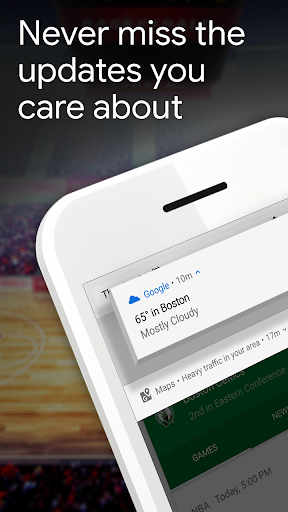

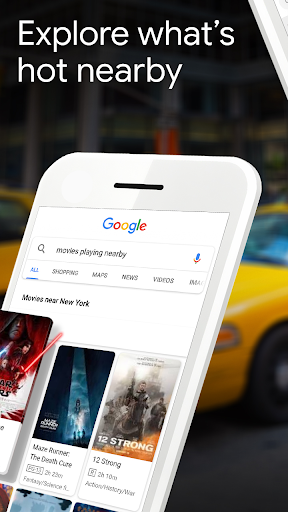

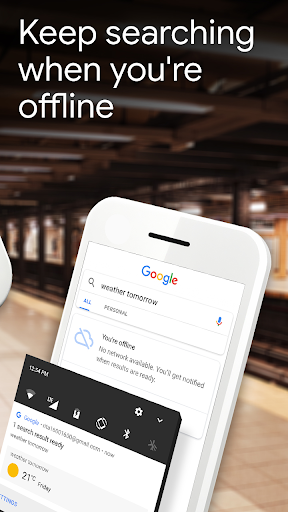
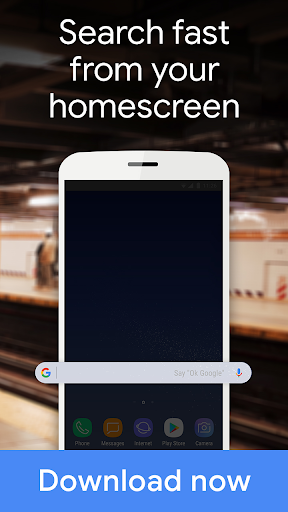
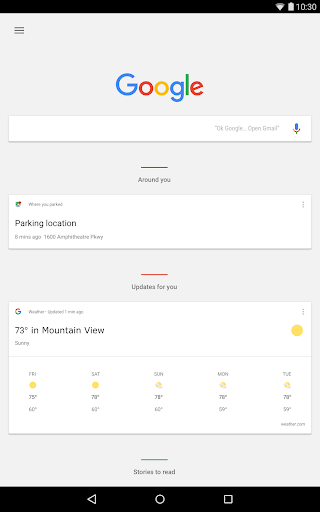
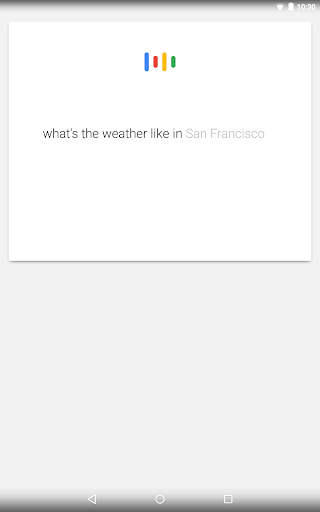
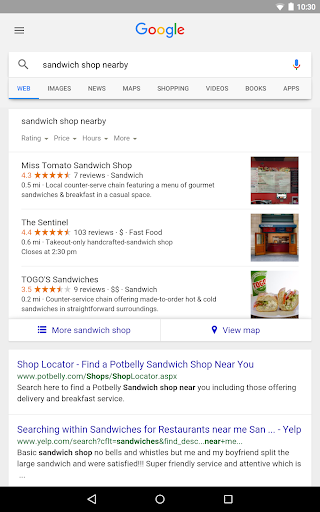
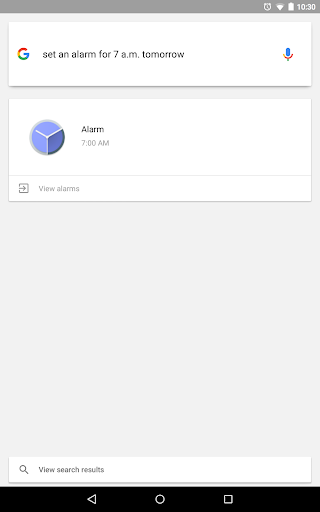
App Feature
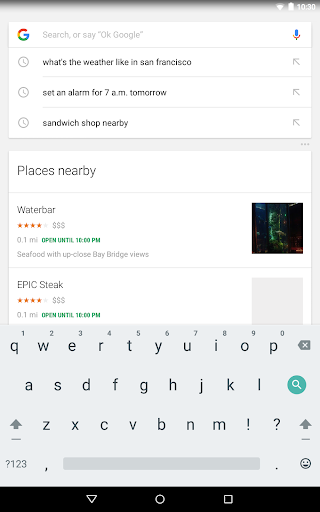
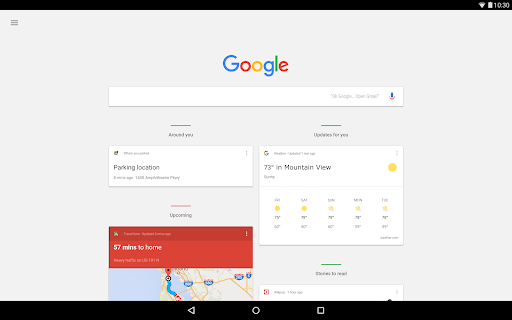
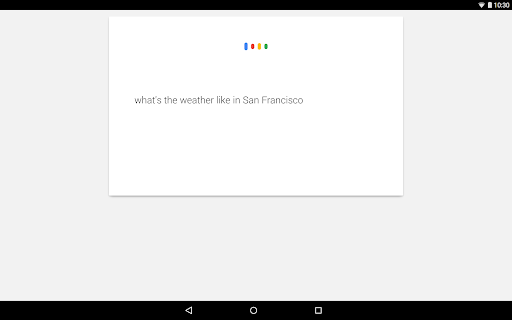
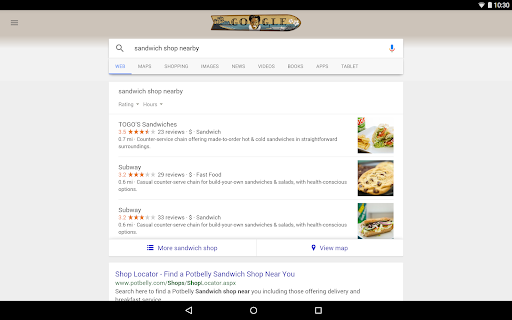
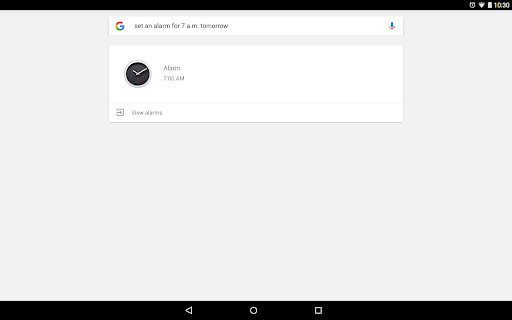
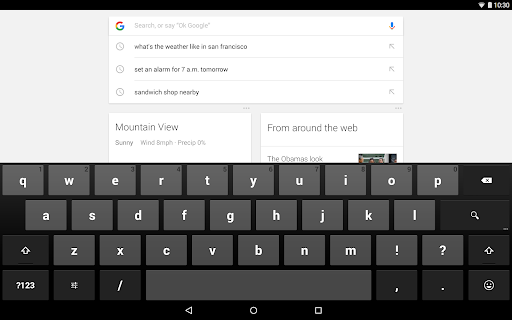
Google is a free, all-in-one search and discovery app for Android that blends classic web search with AI features like AI Mode and AI Overviews, visual search via Google Lens, Circle to Search, voice and hum-to-search music identification, and a personalized Discover feed for news and interests.
Verdict
Verdict: A powerful, everyday search companion with cutting-edge AI, tempered by ads, occasional bugs, and privacy trade-offs.
Who is it for
Best for:
- Users who want fast, accurate search with rich AI answers and visual search (Lens).
- People who enjoy a personalized news/feed experience and cross-service integration (Maps, Gmail, Drive).
- Students and casual researchers needing quick help, references, and multimedia results.
Not ideal for:
- Privacy-focused users who prefer minimal data collection and fewer personalized results.
- Those who dislike ads or want a distraction-free, lightweight search-only experience.
- Users needing a full web browser replacement with advanced tab/extension management.
Real-world User Experience
Users like it:
Reviewers praise its reliability and breadth of information, the convenience of AI Overviews, Google Lens for object/text translation and identification, hum-to-search accuracy for finding songs, and a clean, modern UI. Many note it helps with homework, planning, and everyday queries, with Discover keeping them updated on topics of interest.
Users complain about:
Some report intermittent loading or slowdown issues and occasional inaccuracies in Lens results for homework or translations. A few want quality-of-life improvements (e.g., default photo album for Lens, share option in Circle to Search). Others mention too many ads and express privacy concerns about data collection.
Is it Worth Paying For?
The app is free, ad-supported, and offers no in-app purchases; given the rich feature set (AI Mode, Lens, Discover, hum-to-search), it delivers strong value at no cost, with the primary trade-off being ads and data personalization.
How it Compares to Alternatives
Compared to Microsoft Bing/Copilot, Google’s results remain highly relevant at scale, with competitive AI summaries and superior visual search via Lens; Bing offers strong AI chat and incentives (Rewards). DuckDuckGo prioritizes privacy with fewer trackers and ads but lacks deep personalization and some of Google’s advanced AI/visual features. Perplexity excels at concise, citation-first AI answers, but Google integrates more tightly with Android (widgets, Circle to Search) and real-world tasks (Maps, Lens, Discover).
Summary
The Google app modernizes search with an AI-forward toolkit—AI Mode, AI Overviews, Lens, Circle to Search, and hum-to-search—while keeping classic strengths like speed, breadth, and tight integration with Google services. It’s excellent for quick answers, visual lookups, translations, and staying informed through Discover. User feedback highlights reliability and usefulness, with common asks around polishing Lens/translation accuracy and adding small usability features. Ads and privacy considerations remain the main trade-offs. For most Android users, it’s an essential, free utility that meaningfully shortens the path from question to answer.
Ratings
Trending APP












Alternative to this app























