Copyright 2026 © swekartor. All Rights Reserved.



Information about Microsoft 365 Copilot

App Feature
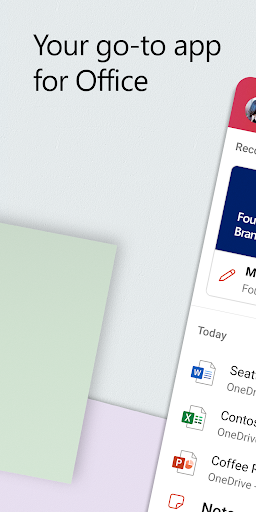
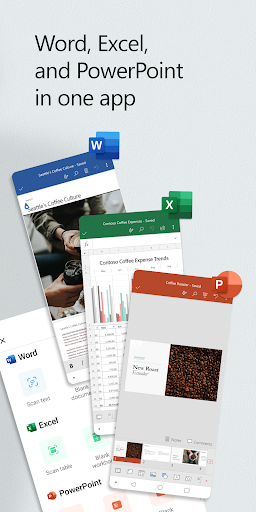
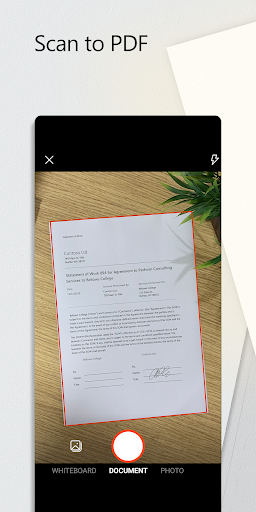
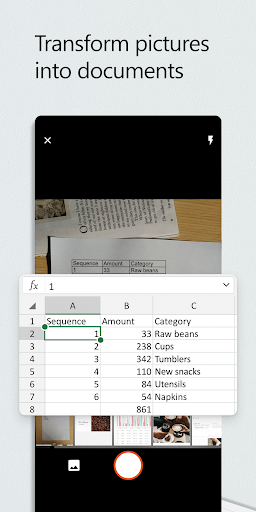
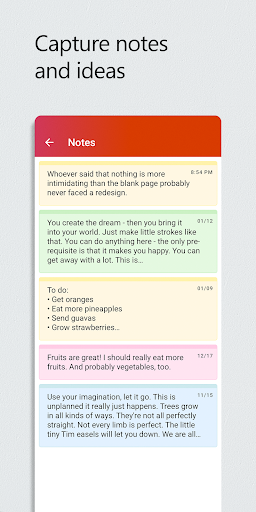
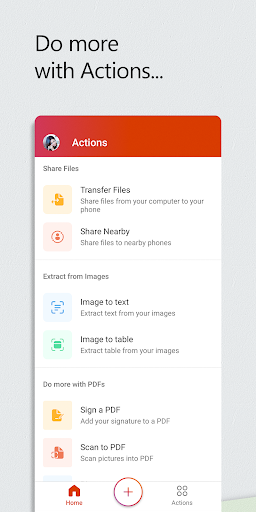
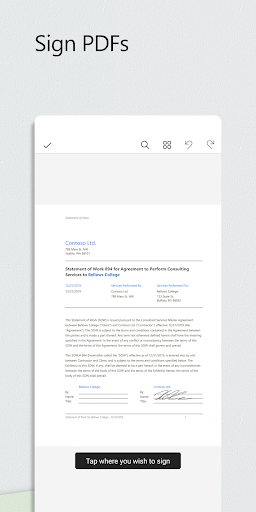
Microsoft 365 Copilot unifies Word, Excel, PowerPoint, PDFs, file search, document scanning, and AI-assisted creation into one app. You can chat with Copilot to summarize files, draft emails, analyze spreadsheets, and generate reports; capture documents via Office Lens; convert PDFs ↔ Word; and access cloud storage (OneDrive/SharePoint or third‑party) with cross‑device sync and offline editing.
Verdict
Verdict: A powerful, all‑in‑one Office suite supercharged by AI, best if you live in the Microsoft ecosystem but less ideal if you dislike recent Copilot‑centric UI changes.
Who is it for
Best for:
- Students and professionals needing Word/Excel/PowerPoint, PDFs, and cloud sync in one place
- Users who want AI assistance (summaries, drafting, analysis) integrated with their files
- People working across phone, tablet, and PC with offline support
Not ideal for:
- Users who prefer Google Workspace or lightweight editors without Microsoft tie‑ins
- Those sensitive to UI changes—recent Copilot update moved familiar file views
- Chromebook users (app availability/experience is limited per reviews)
Real-world User Experience
Users like it:
Smooth, unified access to Word/Excel/PowerPoint with reliable cloud sync; strong PDF tools and mobile scanning; easy templates and sharing; offline editing; excellent cross‑device continuity; Copilot boosts productivity for summaries, drafting, and analysis; overall fast, clean, and familiar Microsoft experience.
Users complain about:
Recent Copilot‑focused update makes file access harder for some; occasional zoom/jitter behavior in editors; gaps versus OneDrive app for rename/download; offline access time limits; some reports of files being hard to find or seemingly lost; no full Chromebook support.
Is it Worth Paying For?
Core app is free with ads/IAP; most basics (view/edit, scan, PDF convert) work without paying. Copilot’s advanced features and some enterprise capabilities require a Microsoft 365/Copilot license. If you already subscribe to Microsoft 365 or want integrated AI in your documents, the value is strong; otherwise, the free tier covers typical mobile editing and scanning well.
How it Compares to Alternatives
Compared to Google Docs/Sheets/Slides, Microsoft 365 Copilot offers tighter parity with desktop Office formats and deeper Excel/Word power on mobile, plus integrated AI in the same hub. Versus WPS/Polaris, it provides stronger cloud/device ecosystem and enterprise credibility, though those alternatives can feel lighter and less tied to subscriptions. Google Workspace still wins for real‑time collaboration in Google Drive; Microsoft wins for Office fidelity, advanced Excel, and integrated Copilot.
Summary
Microsoft 365 Copilot modernizes the classic Office mobile suite by folding Word, Excel, PowerPoint, PDFs, scanning, and cloud search into a single, polished app—and adds an AI assistant that can summarize documents, draft content, and analyze datasets. Reviews praise its reliability, cross‑device continuity, robust templates, and capable PDF/scanning tools, making it easy to create or edit anywhere. Some users dislike the recent Copilot‑centric redesign that made file browsing feel less direct, and there are minor quirks (zoom jitter, offline limits, and occasional OneDrive feature gaps). For anyone invested in Microsoft’s ecosystem—or seeking AI‑assisted productivity tied directly to their Office files—it’s a top‑tier choice. Casual users or those committed to Google Workspace may be just as well served elsewhere, but the free tier already delivers a lot, and paid Copilot features add meaningful horsepower for power users.
Ratings
Trending APP












Alternative to this app