Copyright 2026 © swekartor. All Rights Reserved.



Information about Microsoft SharePoint
App Feature
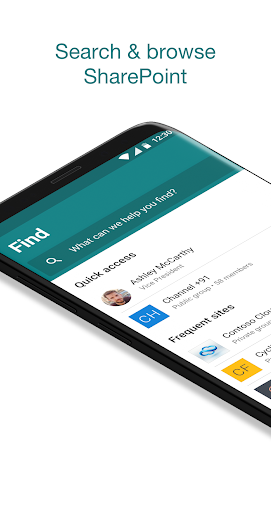
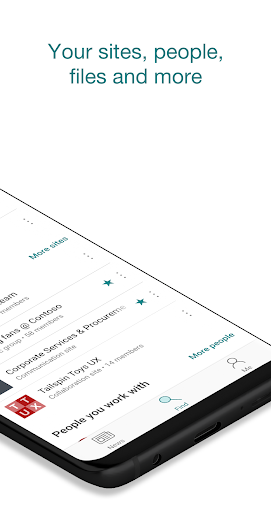
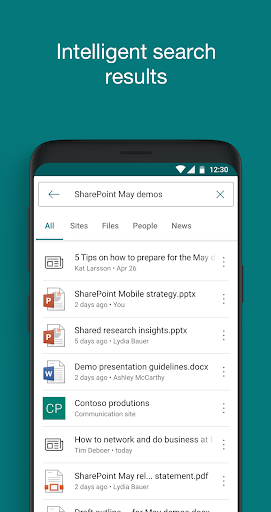
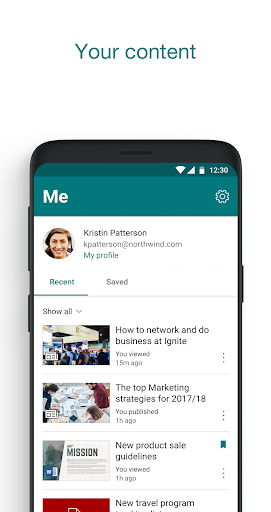
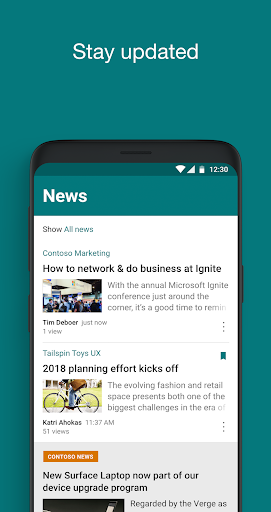
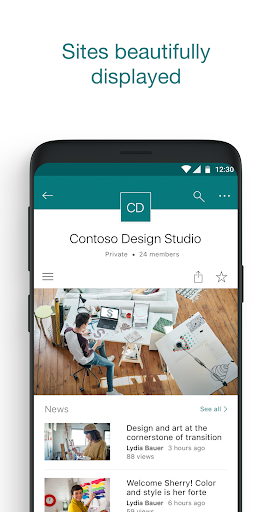
Microsoft SharePoint is a free mobile companion for SharePoint Online/Server that brings team sites, news, files, and people into a personalized hub. It supports AI-powered discovery, powerful search, document co-authoring, and quick access to team updates, lists, and contact cards, with multi-account support and integration across Microsoft 365.
Verdict
Verdict: A capable, enterprise-grade collaboration app for Microsoft 365 organizations, best if your team already lives in SharePoint/Teams.
Who is it for
Best for:
- Organizations using Microsoft 365, SharePoint Online, or SharePoint Server
- Teams needing mobile access to sites, lists, files, and news
- Users who want strong search and co-authoring integrated with Teams
Not ideal for:
- Individuals without a Microsoft 365 or SharePoint-enabled workplace
- Teams seeking a simple, standalone file storage app without intranet features
- Companies standardized on non-Microsoft stacks (e.g., Google Workspace + Drive)
Real-world User Experience
Users like it:
Reviewers highlight seamless integration with Teams, a surprisingly powerful mobile experience, adaptable views/navigation, and the ability to design useful mobile-friendly interfaces via custom list views.
Users complain about:
No clear negatives surfaced in the provided reviews; broader feedback may include typical enterprise sign-in/configuration hurdles dependent on organizational setup.
Is it Worth Paying For?
The app is free with no IAP. Access requires an organizational Microsoft 365 subscription or SharePoint Server; if your company already licenses Microsoft 365, this is a strong value add at no extra cost.
How it Compares to Alternatives
Compared to Google Drive, SharePoint emphasizes structured team sites, intranet news, lists, and org-wide discovery rather than pure file storage. Versus Confluence, SharePoint offers tighter Microsoft 365 integration, real-time Office co-authoring, and native file management, while Confluence often excels in knowledge bases and documentation workflows. OneDrive focuses on personal/team file storage; SharePoint extends that with sites, lists, news, and people discovery for broader collaboration.
Summary
Microsoft SharePoint for mobile brings your organization’s sites, documents, news, and people into a single, AI-assisted app that’s optimized for on-the-go productivity. It excels at search, integrates tightly with Teams and Microsoft 365, and supports co-authoring and custom list experiences. Because it relies on an organizational Microsoft 365 or SharePoint Server environment, it’s ideal for companies already invested in Microsoft’s ecosystem. For those users, it delivers a robust, enterprise-ready intranet and collaboration experience right on mobile, without extra cost.
Ratings
Trending APP












Alternative to this app