Copyright 2026 © swekartor. All Rights Reserved.


Information about Screen Mirroring - Miracast
App Feature
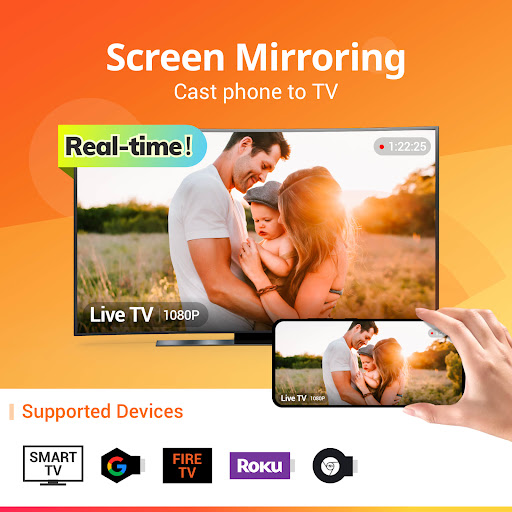
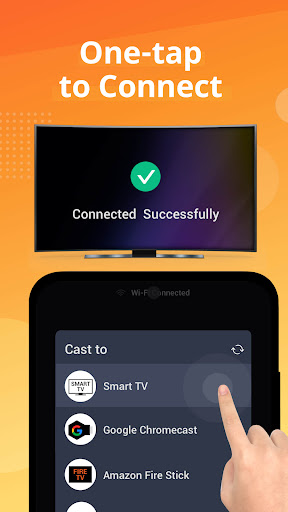
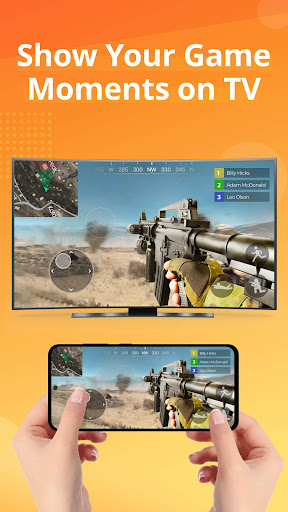
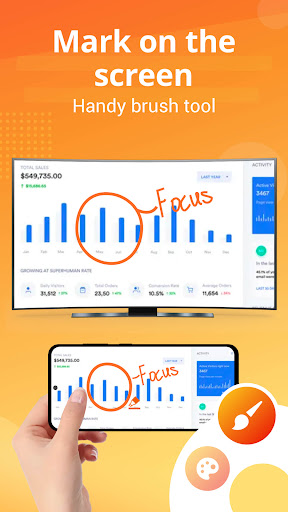
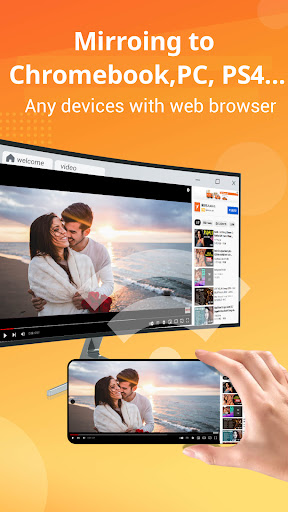
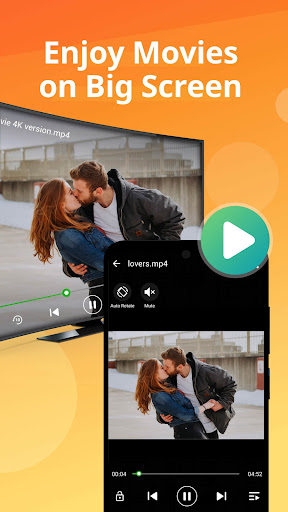
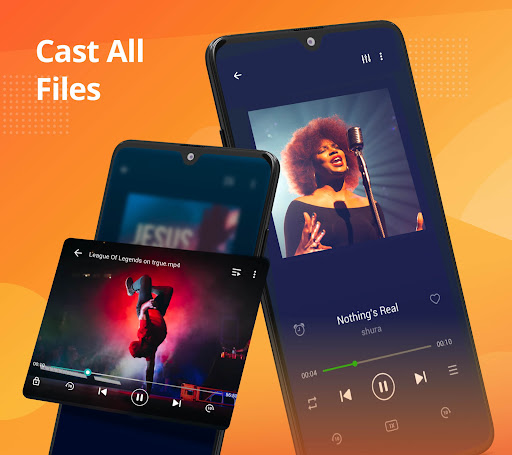
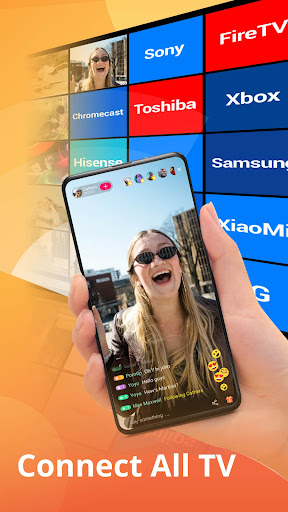
Screen Mirroring - Miracast mirrors your Android phone/tablet to a larger display over Wi‑Fi using Miracast/DLNA/Chromecast/Roku/Fire TV, enabling real-time viewing of apps, games, photos, videos, and documents with a simple, fast connection and broad device support.
Verdict
Verdict: A fast, reliable screen mirroring app with minimal ads and broad device support, best for straightforward mirroring without complex setup.
Who is it for
Best for:
- Users who want quick, stable mirroring to smart TVs, Roku, Chromecast, or Fire TV
- Families/students presenting slides, watching videos, or sharing games on a big screen
- Anyone frustrated with flaky Google Cast behavior who wants a one-tap alternative
Not ideal for:
- Power users needing zero-latency mirroring for competitive gaming
- People whose TVs/phones don’t support Miracast or aren’t on the same Wi‑Fi
- Users who require built-in browser casting in the free tier
Real-world User Experience
Users like it:
Very easy setup (often one tap), fast and stable connections across Roku/Chromecast/various smart TVs, minimal advertising limited to a small banner or startup ad, smooth video playback with lip‑sync aligned and little to no buffering, lightweight app size, and reliable performance even where Google Cast underperforms.
Users complain about:
Occasional connection retries or one-time disconnects, rare audio dropouts requiring reconnection, slightly reduced resolution on some setups, ~1 second latency not ideal for interactive use, and browser casting blocked in the free version (available in paid).
Is it Worth Paying For?
Yes for frequent casters: the free version is very usable with small or startup ads, but the inexpensive one-time upgrade removes ads and unlocks browser casting—good value if you mirror often or want a cleaner experience.
How it Compares to Alternatives
Compared to many casting apps with intrusive ads or subscriptions, this strikes a better balance of free usability and reliability. It can be more dependable than Google Cast/Google Home for full-screen mirroring and works across more receivers than vendor-specific apps (e.g., Roku or Samsung-only tools). Alternatives like LocalCast or AirScreen focus more on media casting rather than true screen mirroring; this app excels at mirroring anything on your screen with minimal fuss.
Summary
Screen Mirroring - Miracast delivers quick, stable, and broadly compatible screen mirroring from Android to most TVs and streaming devices. Users consistently praise its one-tap setup, smooth playback, and light ad footprint, noting it often succeeds where Google Cast struggles. While a small latency and occasional reconnects can occur, and browser casting sits behind the paid upgrade, the overall experience is polished and reliable. If you need simple, real-time mirroring for videos, presentations, or casual gaming without wrestling with complex settings, this app is a strong, affordable choice.
Ratings
Trending APP












Alternative to this app